Workspace Tasks













A powerful Visual Studio Code extension that automatically discovers, organizes, and runs tasks from your workspace. Manage build scripts, run tests, execute workflows, and organize your development tasks with favorites and compound tasks — all from a single, intuitive interface.
Screenshots
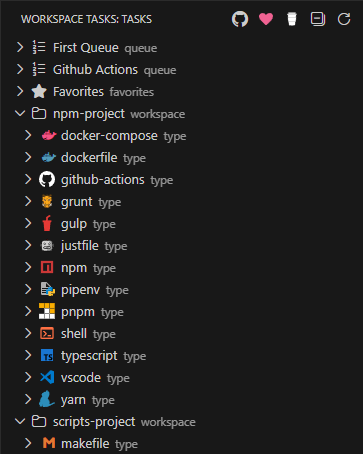
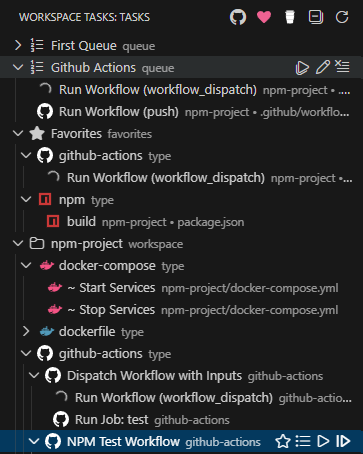
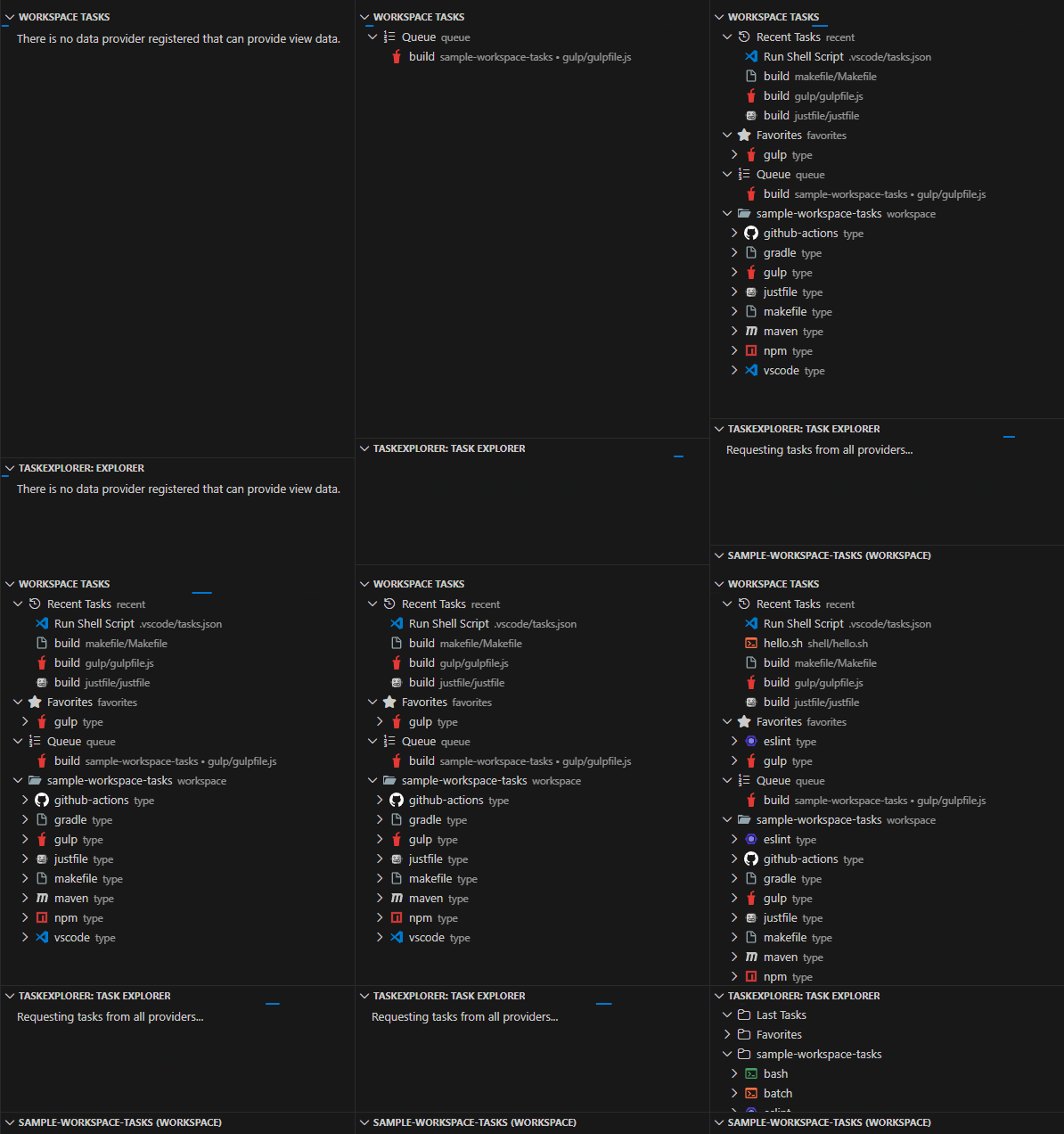
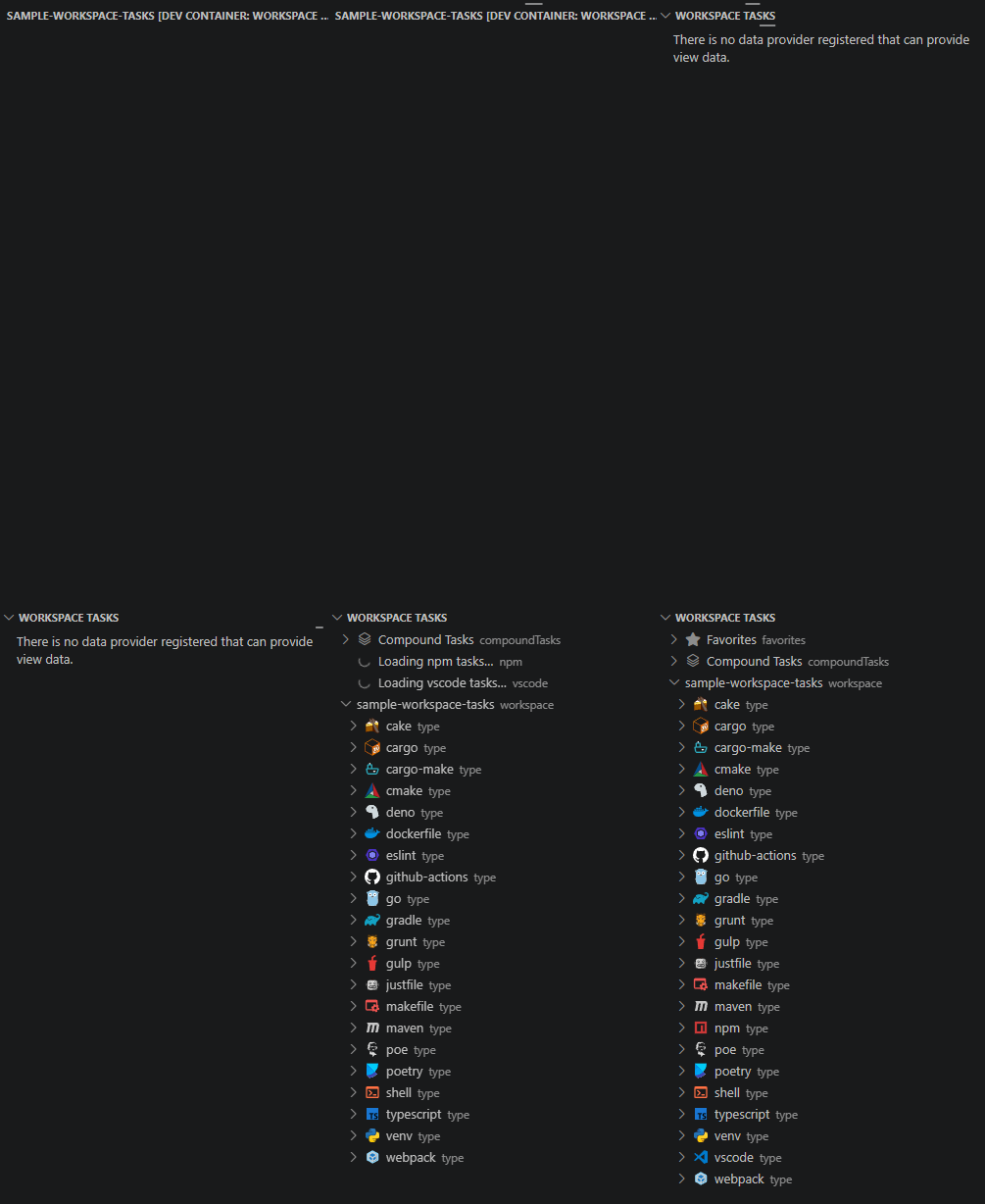
Key Features
- 🔍 Automatic Task Discovery — Scans your workspace for tasks from 20+ file types and build systems
- 📍 Flexible Placement — View tasks in the dedicated sidebar or as a dockable panel in the Explorer
- ⭐ Favorites — Pin frequently used tasks for instant access
- 🌱 Recent Tasks — Tracks the most recently executed tasks
- 📋 Multiple Compound Tasks — Create and manage named sequences of tasks
- ▶️ Quick Execution — Double-click tasks to run instantly, or use the play icon (▶️)
- ⚡ Fast Performance — Optimized for large workspaces with caching and incremental updates
- 📄 Editor Title Bar Buttons - Run shell scripts and GitHub Actions workflows directly from the editor title bar without switching to the task tree
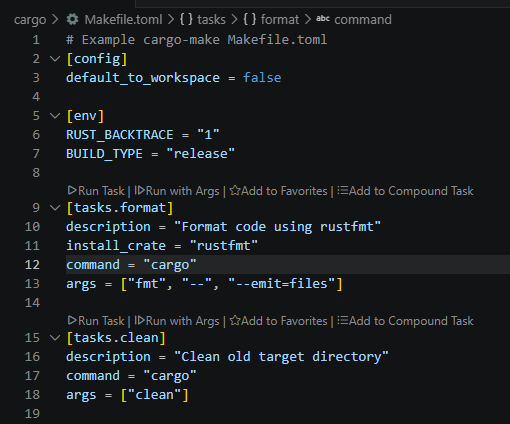
- 🔍 Inline CodeLens Actions - Run, favorite, queue, and hide tasks directly from inline CodeLens lenses above each task definition in its source file
- ⏹️ Smarter Stop Controls - Stop tasks gracefully, or force kill them when necessary; Compound Tasks have an option to stop all child tasks together or individually
- 🎯 Smart Organization — Hierarchical tree view organized by workspace, task type, and file
- 🔀 Drag & Drop — Reorder tasks in Compound Tasks with drag and drop
- 🎭 GitHub Actions Support — Run GitHub Actions workflows locally with act
- 📝 Custom Tasks — Define reusable task templates with dynamic inputs
- 🚫 Task Filtering — Use
.tasksignorefiles to exclude unwanted tasks - 🙈 Hide Tasks & Groups — Hide individual tasks or entire task groups from view
- 🕰️ Task History, Statistics & Dashboard - Track all task executions in a sortable history table, view per-task performance metrics (duration trends, success rates, failure streaks), and explore workspace-wide health in the interactive Dashboard with Chart.js charts
- 💾 Persistent State - Favorites and Compound Tasks (queues) are saved across Visual Studio Code sessions
- ☁️ Settings Sync - Sync your favorites and Compound Tasks (queues) across multiple machines via VS Code’s Settings Sync
- 🛡️ Run Guard - Require confirmation before running destructive or sensitive tasks; guard via manual toggle, definition flag, or label pattern
- 🕜 Estimated Task Duration - View estimated duration for tasks based on historical execution data
- 🔒 Workspace Trust - Respects VS Code Workspace Trust: no tasks are discovered or displayed in untrusted workspaces
- 👉 Guided Arguments - Arguments for supported
shell scripttypes are discovered and prompted as defined inputs whenRun with Args.
Installation
From Visual Studio Code Marketplace
- Open Visual Studio Code
- Go to the Extensions view (
Ctrl+Shift+X/Cmd+Shift+X) - Search for “Workspace Tasks”
- Click Install
From Open VSX Registry
For editors that use the Open VSX Registry (e.g., Cursor, VSCodium):
- Open your editor
- Go to the Extensions view (
Ctrl+Shift+X/Cmd+Shift+X) - Search for “Workspace Tasks”
- Click Install
From Command Line
Choose the command based on your editor
code --install-extension darthminos.workspace-taskscursor --install-extension darthminos.workspace-taskscodium --install-extension darthminos.workspace-tasksantigravity --install-extension darthminos.workspace-taskskiro --install-extension darthminos.workspace-tasksdevin --install-extension darthminos.workspace-tasksSee Getting Started for more installation options.
Quick Start
- Open a workspace with supported task files (e.g.,
package.json,Makefile, shell scripts) - Open the Workspace Tasks view from the Activity Bar (sidebar) or Explorer panel
- Browse tasks organized by workspace folder and task type
- Run a task by double-clicking it or clicking the play icon (▶️)
- Add to favorites by clicking the star icon (☆)
- Create a Compound Task by clicking the list icon to organize task sequences
See the Getting Started guide for full installation and setup instructions.
Documentation
| Section | Description |
|---|---|
| Getting Started | Installation and initial setup |
| Supported Task Types | All supported build tools and frameworks |
| Favorites & Recent Tasks | Pin and track frequently used tasks |
| Compound Tasks | Create sequences of tasks to run in order |
| Hide Tasks & Groups | Declutter your task view |
| Task History | Track and review all task executions |
| GitHub Actions Integration | Run workflows locally with act |
| Configuration | Full settings reference |
| Task Filtering | Exclude files using .tasksignore |
| .tasksignore Reference | .tasksignore file format and syntax |
| Custom Workspace Tasks | Define reusable task templates |
| Requirements | System requirements and tool dependencies |
| Contributing | How to contribute to the project |
| Troubleshooting | Diagnose and resolve common issues |